Troubleshooting & FAQ
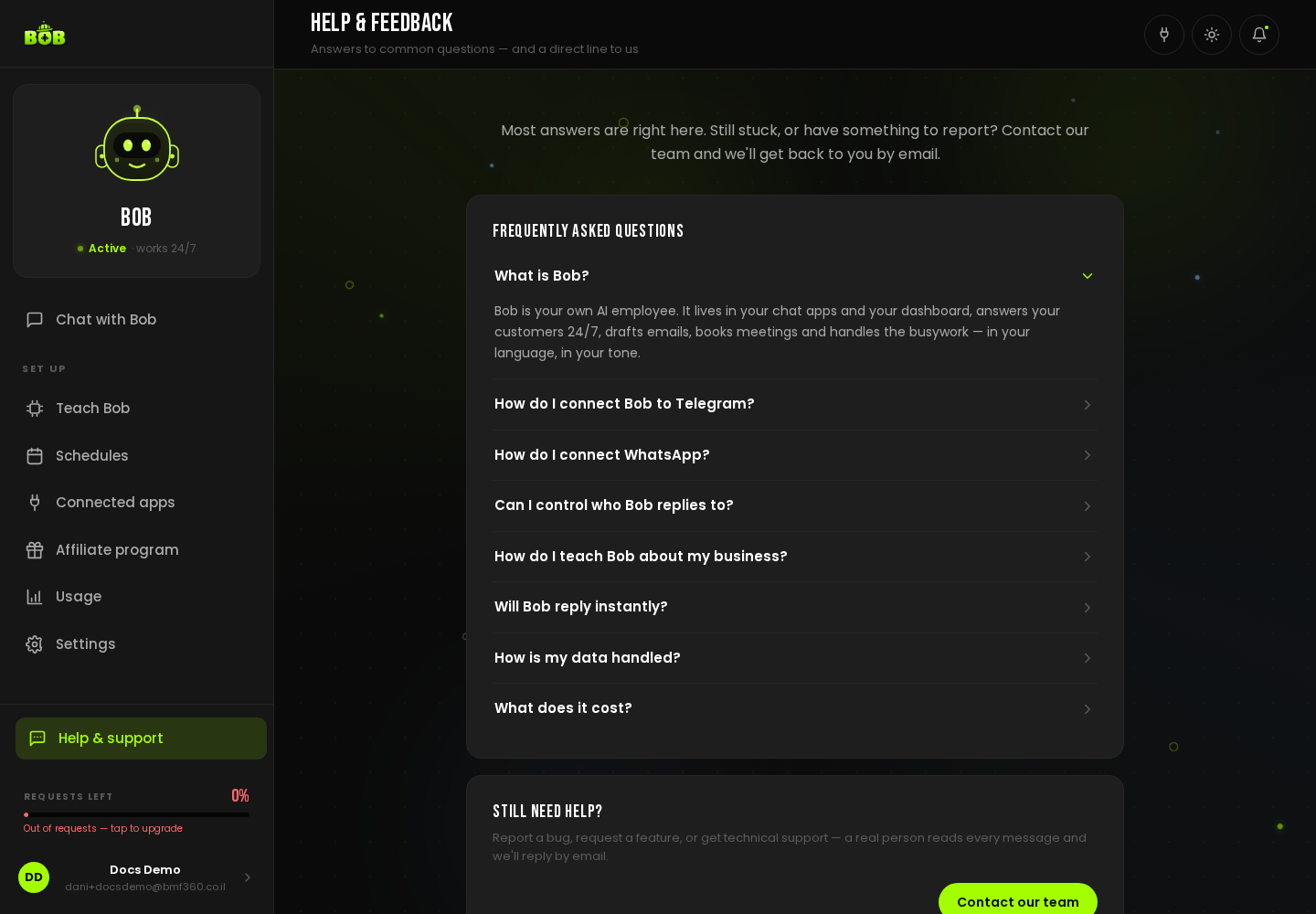
Most answers are right here. Still stuck, or have something to report? Contact the LEVEL7 team and they will get back to you by email.
What is BOB?
Section titled “What is BOB?”BOB is your own AI employee. It lives in your chat apps and your dashboard, answers your customers 24/7, drafts emails, books meetings, and handles the busywork, in your language, in your tone.
How do I connect BOB to Telegram?
Section titled “How do I connect BOB to Telegram?”Open Connected apps → Telegram → Connect. Create a free bot with @BotFather in Telegram (send /newbot), copy the token it gives you, paste it in, and press Connect. BOB comes online in a few seconds and answers everyone who messages it.
How do I connect WhatsApp?
Section titled “How do I connect WhatsApp?”Open Connected apps → WhatsApp → Connect. We strongly recommend using a dedicated phone number, not your personal one. You will scan a QR code with that phone (WhatsApp → Settings → Linked devices → Link a device) and BOB starts replying there.
Can I control who BOB replies to?
Section titled “Can I control who BOB replies to?”Yes. On any connected channel, tap Settings: choose whether BOB answers Anyone or only people you approve, and whether it replies in group chats. You can change this anytime.
How do I teach BOB about my business?
Section titled “How do I teach BOB about my business?”Go to Teach Bob. Tap any card to refine what BOB knows, in plain language, or upload documents (price lists, FAQs, policies) in the Knowledge base, BOB reads them and quotes them when answering.
Will BOB reply instantly?
Section titled “Will BOB reply instantly?”Yes. BOB is always on, there is no waking up or cold start. Messages on Telegram, WhatsApp, and the dashboard are answered immediately.
How is my data handled?
Section titled “How is my data handled?”Each BOB is fully isolated, your chats, memory, and documents are never shared with other customers. You can erase everything at any time from Settings → Delete my account, your GDPR right to be forgotten. See Security, privacy & data handling for more.
What does it cost?
Section titled “What does it cost?”BOB starts with a 7-day free trial, then $29/month on the Lite plan (Silver, Pro, and Gold are also available). Usage is pay-as-you-go on top, with a built-in monthly cap so you never get a surprise bill. See Plans & limits.
BOB is not replying, what do I check?
Section titled “BOB is not replying, what do I check?”- Open Connected apps and confirm the channel still shows Connected.
- Confirm you are within your plan’s usage for the period, check Usage in the sidebar.
- If you just linked WhatsApp, make sure the phone you scanned the QR code with stays online.
I want to pause BOB
Section titled “I want to pause BOB”Tell it to stop, or disconnect the channel from Connected apps. Reconnecting later picks up right where you left off.
Still need help?
Section titled “Still need help?”Report a bug, request a feature, or get technical support, a real person reads every message and replies by email. Use Contact our team from Help & support in the sidebar.