Integrations catalog
BOB connects to your tools through Connected apps → Add Connector. A curated set of the most common tools are one click away (search and sign in, no setup). Beyond that, BOB reaches 1,000+ apps through its Composio connection, and anything with a REST API or an MCP endpoint through a custom connection.
Which apps are one click away?
Section titled “Which apps are one click away?”Real, pre-built connections found in the Apps tab include:
- Google Workspace: Gmail, Google Calendar, Google Sheets, Google Docs, Google Drive
- Communication: Slack, Slackbot, Outlook
- CRM and productivity: HubSpot, Notion, Airtable, Linear, Jira
- Dev and data: GitHub, Supabase, Code Interpreter
- Search and content: Twitter, YouTube, Perplexity AI, Firecrawl, Tavily, SerpApi, Canvas
- Composio: a connector to 1,000+ additional apps
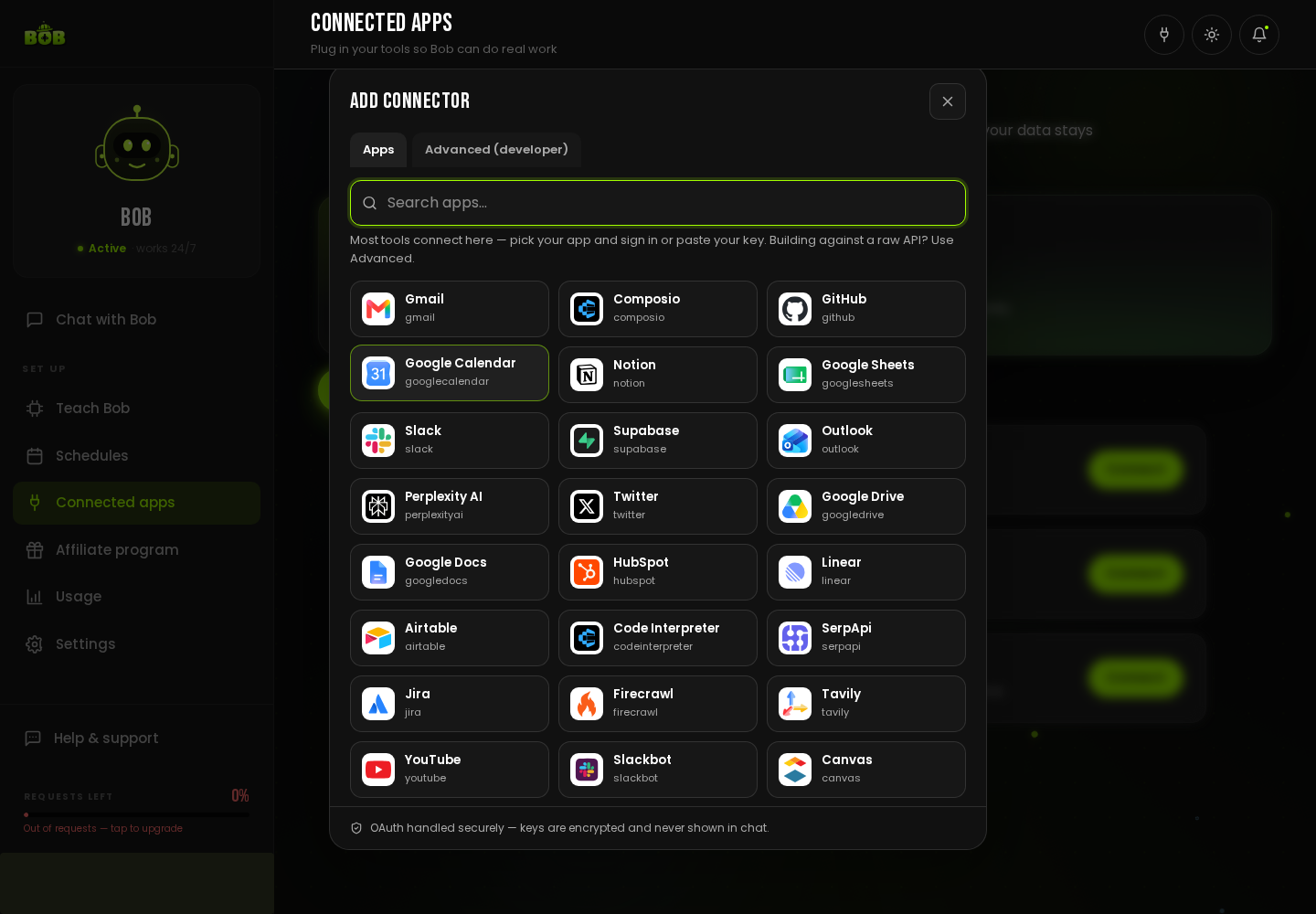
This list keeps growing, search Connected apps → Add Connector for the current one, since it reflects what is live today better than any static page can.
What if my tool is not listed?
Section titled “What if my tool is not listed?”You have two more ways in, both described in full on Connect an external API:
- A REST API. Give BOB the base URL and an API key, it gets a guarded tool to call your API.
- An MCP endpoint. If your tool exposes MCP, connect it directly for its full set of actions.
You can also just tell BOB, in chat, which tool you want and paste your key, it sets the connection up for you.
How much can BOB do in a connected app?
Section titled “How much can BOB do in a connected app?”As much as the connection allows and you permit. Every connection is scoped access you granted, and you can review or revoke it at any time from Connected apps.