
Get a weekly report automatically
BOB can send you a Weekly summary every Monday, a bigger-picture rollup of the week: leads handled, bookings made, and anything still waiting on you, so you start the week already caught up.
How do I turn this on?
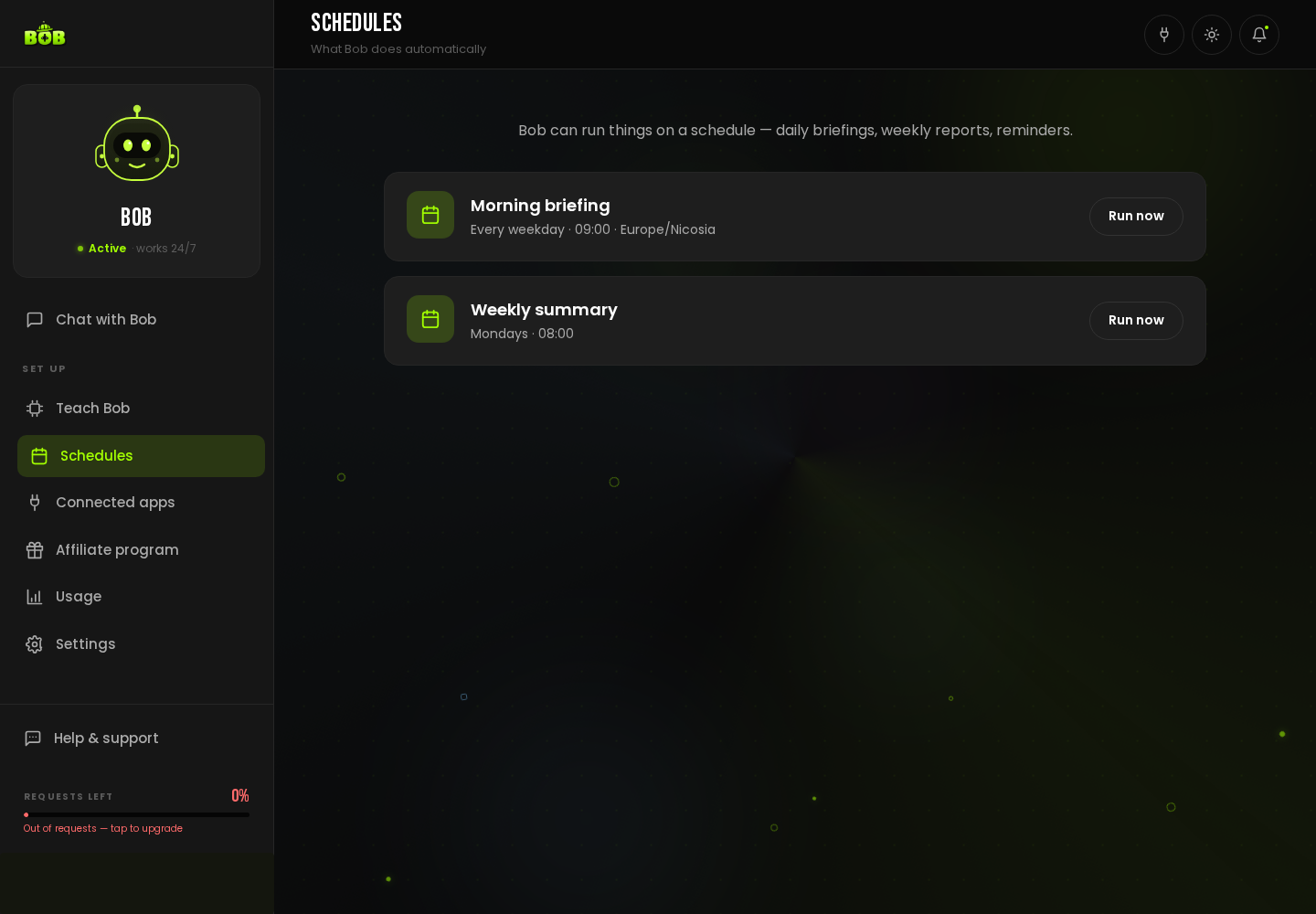
Section titled “How do I turn this on?”- Open Schedules in the sidebar.
- Find Weekly summary (Mondays, by default). Click Run now to see it immediately.
- Tell BOB, in Chat with Bob, exactly what you want in it, new leads, bookings, revenue, whatever matters to your business.
Can I change the day or time?
Section titled “Can I change the day or time?”Yes, tell BOB in plain language, from the chat, and it updates the schedule.
Can I add my own custom schedule?
Section titled “Can I add my own custom schedule?”Yes. Describe any recurring job in chat, for example: “Every Friday at 5pm, send me a list of leads that haven’t replied in a week.” BOB adds it to your Schedules.